

The Power of UX Web Design

Anthony McGrath • July 13, 2026

What if your website isn't losing traffic… it's losing customers?


If your website is confusing, slow or difficult to navigate, visitors won't stick around—they'll leave for a competitor.


That's where UX web design makes the difference. A great user experience helps visitors find what they need, builds trust and turns more clicks into customers.

What Is UX Web Design?


UX web design focuses on the overall experience someone has while using your website.

Rather than concentrating solely on colours, animations or typography, UX asks questions like:


  • Can visitors find what they're looking for quickly?


  • Is the navigation obvious?


  • Does the website answer questions before users have to ask them?


  • Are forms quick and easy to complete?


  • Does the website work just as well on mobile as it does on desktop?


Every decision is made with the user in mind. Good UX isn't about making a website look clever. It's about removing obstacles.


Why UX Matters More Than Ever


Online attention spans are incredibly short.


Visitors make decisions about a website almost instantly. Research from Google found that users form first impressions of websites within milliseconds, while studies from Stanford have shown that website design plays a significant role in how people judge a company's credibility.


Those first impressions influence whether someone continues browsing or leaves altogether.

If your navigation is confusing, your pages load slowly or your messaging is unclear, users rarely give you a second chance.


Today's customers expect:


  • Fast loading pages


  • Mobile-friendly experiences


  • Clear navigation


  • Trustworthy design


  • Simple purchasing or enquiry journeys


If those expectations aren't met, they'll simply visit your competitor instead.


Good UX Is Good Business


Many businesses still view UX as something that makes a website "look nicer."

In reality, it's one of the highest-impact investments a company can make.

Every improvement to usability removes friction between a visitor and a conversion.


That might mean:


  • More enquiries


  • More purchases


  • More bookings


  • Lower advertising costs


  • Higher customer satisfaction


Even small UX improvements can produce measurable business results because more visitors successfully complete the actions you want them to take.


Instead of spending more money generating traffic, improving UX helps you convert more of the visitors you already have.

The Challenge


A service-based business came to Ravens with a website that looked modern but wasn't generating enough enquiries. Visitors were landing on the site but leaving quickly, and the contact form completion rate was low. Analytics showed users were struggling to find key information and often abandoned the site before reaching the enquiry page.


Our Approach


Rather than starting from scratch, we focused on improving the user experience. We simplified the navigation, restructured the page layouts, added clearer calls-to-action, reduced unnecessary content, improved the mobile experience and made enquiry forms shorter and easier to complete.


The Results


Within three months of launching the updated website:


  • Enquiries increased by 61%
  • Average time on site increased by 42%
  • Bounce rate reduced by 31%
  • Mobile conversion rate increased by 54%


The redesign didn't rely on flashy animations or unnecessary features. By making the website easier to navigate and helping visitors find the information they needed more quickly, more users completed the journey from visitor to customer.

Mobile Experience Isn't Optional


More than half of all website traffic now comes from mobile devices, yet many websites are still designed primarily for desktop users.


That creates frustrating experiences.


  • Tiny buttons.
  • Hard-to-read text.
  • Menus that don't work properly.
  • Forms that are impossible to complete.


A strong UX strategy starts with mobile users first.


That doesn't simply mean making a responsive website. It means understanding how people actually use their phones.


They're often:


  • In a hurry
  • Using one hand
  • Distracted
  • Comparing multiple businesses
  • Looking for quick answers


Designing around those behaviours dramatically improves usability.


Navigation Should Never Make People Think


One of the biggest UX mistakes businesses make is trying to be clever.


  • Creative menu names.
  • Hidden navigation.
  • Fancy animations.
  • Unexpected layouts.


They may look impressive, but they force visitors to stop and think.


The best navigation feels almost invisible.


Users instinctively know where to click because the structure follows familiar patterns.

Great UX reduces cognitive load.


Instead of asking visitors to learn your website, your website adapts to how people naturally browse.


Content Is Part of User Experience


UX isn't just about design.


Content plays an equally important role.


Visitors don't arrive on your website hoping to read paragraphs about your company history.

They're trying to solve a problem.


Good UX content:


  • Answers questions quickly


  • Uses clear language


  • Breaks information into manageable sections


  • Uses meaningful headings


  • Guides visitors naturally through the page


Every sentence should help someone move closer to making a decision.

If content creates confusion, even the best design won't save it.


Speed Has a Bigger Impact Than Most Businesses Realise


Website performance directly affects user experience.


Slow websites create frustration before users have even started reading.


Research consistently shows that longer loading times lead to increased bounce rates and fewer conversions because users simply don't wait.


Improving page speed often involves:


  • Compressing images


  • Removing unnecessary scripts


  • Optimising hosting


  • Simplifying layouts


  • Reducing page weight


Visitors may never notice these technical improvements individually. They'll simply notice that your website feels faster. And that feeling matters.


Accessibility Benefits Everyone


Accessibility is sometimes viewed as a legal requirement or niche consideration.

In reality, it's simply good UX.


Accessible websites are easier for everyone to use.


This includes:


  • Clear colour contrast


  • Readable font sizes


  • Keyboard navigation


  • Alternative image text


  • Logical page structure


  • Descriptive buttons


Making a website accessible doesn't limit creativity.


It expands your audience while improving usability for every visitor.


Trust Is Built Through Small Details


People judge credibility surprisingly quickly online.


Professional photography helps.


So does clean typography.


But trust is also built through dozens of smaller UX decisions.


Things like:


  • Clear contact information


  • Genuine testimonials


  • Consistent branding


  • Transparent pricing where appropriate


  • Secure checkout processes


  • Helpful FAQs


  • Simple enquiry forms


Each element removes uncertainty.

Collectively, they create confidence.


UX and SEO Work Together


Search engine optimisation and UX are often treated as separate disciplines.


They're not.


Google increasingly rewards websites that provide positive user experiences.


When visitors stay longer, engage with content and find what they're looking for, those behavioural signals often align with better organic performance.


Strong UX also supports SEO by encouraging:


  • Faster loading pages


  • Better internal linking


  • Clear site architecture


  • Mobile usability


  • Helpful, well-structured content


Rather than competing with SEO, UX strengthens it.


Data Should Shape Design Decisions


The best UX isn't based on opinion.


It's based on evidence.


Tools like heatmaps, session recordings, analytics and user testing reveal where visitors struggle.


Perhaps users aren't finding your contact page.


Maybe they're abandoning forms halfway through.


Or perhaps everyone ignores your main call-to-action because it blends into the page.

These insights remove guesswork.


Instead of redesigning entire websites, businesses can make targeted improvements that produce measurable gains.


Continuous testing is what separates good websites from great ones.


Common UX Mistakes That Cost Businesses Customers


Even attractive websites can lose customers through poor user experience.


Some of the most common issues include:


  • Too many calls-to-action on one page


  • Confusing navigation


  • Slow page speeds


  • Walls of text


  • Weak mobile layouts


  • Complicated forms


  • Hidden contact details


  • Poor accessibility


  • Inconsistent branding


  • Unclear value propositions


None of these problems seem particularly serious on their own.

Together, they create enough friction to send potential customers elsewhere.


UX Is Never Finished


One of the biggest misconceptions about websites is that they're complete once they're launched.


In reality, launch day is just the beginning.


  • Customer behaviour changes.
  • Technology evolves.
  • Search engines update.
  • Businesses grow.


A website should evolve alongside them.


The highest-performing websites are continually monitored, tested and refined.

Small improvements made consistently over time often outperform major redesigns completed every five years.


Final Thoughts


A successful website isn't measured by awards, animations or how modern it looks.


It's measured by how effectively it helps real people achieve real goals.


When visitors can quickly understand what you do, trust your business and take action without frustration, your website becomes far more than an online brochure.


It becomes one of your hardest-working sales tools. That's the real value of UX web design.

It's not about adding more features. It's about removing barriers. Because when using your website feels effortless, becoming your customer usually does too.

Recent Posts

June 9, 2026
Here’s a situation that probably sounds familiar. You’ve got a blog that gets updated when someone remembers it exists. Your social media is a mix of promotional posts, the occasional thought-leadership piece your manager asked for, and a “happy Friday” graphic from three months ago. You’re creating content — technically — but you couldn’t honestly tell someone what it’s supposed to be doing. You’re not alone. The majority of businesses are in exactly the same position: producing content without a plan, wondering why it isn’t moving the needle , and quietly suspecting there’s a better way to do this.  There is. It’s called a content strategy . And no, it’s not a 40-slide deck that lives in a shared drive and gets looked at once.

By Anthony McGrath April 16, 2026
What Exactly is Zero-Party Data? The term refers to data that a customer intentionally and proactively shares with a brand. To understand its power, let's look at the data hierarchy: Third-Party Data: Data bought from aggregators (often messy and unreliable). First-Party Data: Data you collect via your own channels (purchase history, site behavior). Zero-Party Data: Data the customer tells you (preferences, sizes, tastes, and intent). "Zero-party data is the holy grail of personalization. It’s the difference between guessing someone likes blue because they hovered over a link, and knowing they like blue because they told you it's their favorite color." Why the Shift is Happening Now The "Data Privacy Revolution" isn't just a trend; it's a structural shift in how the internet functions. Regulation: GDPR and CCPA have put the power back in the hands of the consumer. Tech Giants: Apple’s App Tracking Transparency (ATT) and Google’s phasing out of cookies have made traditional tracking nearly impossible. Consumer Expectations: Modern shoppers want personalization, but they want it without the feeling of being watched.
By Anthony McGrath April 16, 2026
Mastering Omnichannel Synchronization in 2026

By Anthony McGrath April 15, 2026
In the high-stakes world of business, there’s a flashy obsession with customer acquisition. We love the thrill of the hunt—the new lead, the signed contract, the "Welcome!" email. But if you’re focusing all your energy on filling the bucket while ignoring the giant holes in the bottom, you aren't growing; you’re just sprinting in place.  The real heavy hitters know that the real money isn't made on the first sale. It’s made on the tenth.
By Anthony McGrath April 15, 2026
Why Vertical Specialization is the Ultimate Growth Lever for Digital Agencies
By Anthony McGrath February 23, 2026
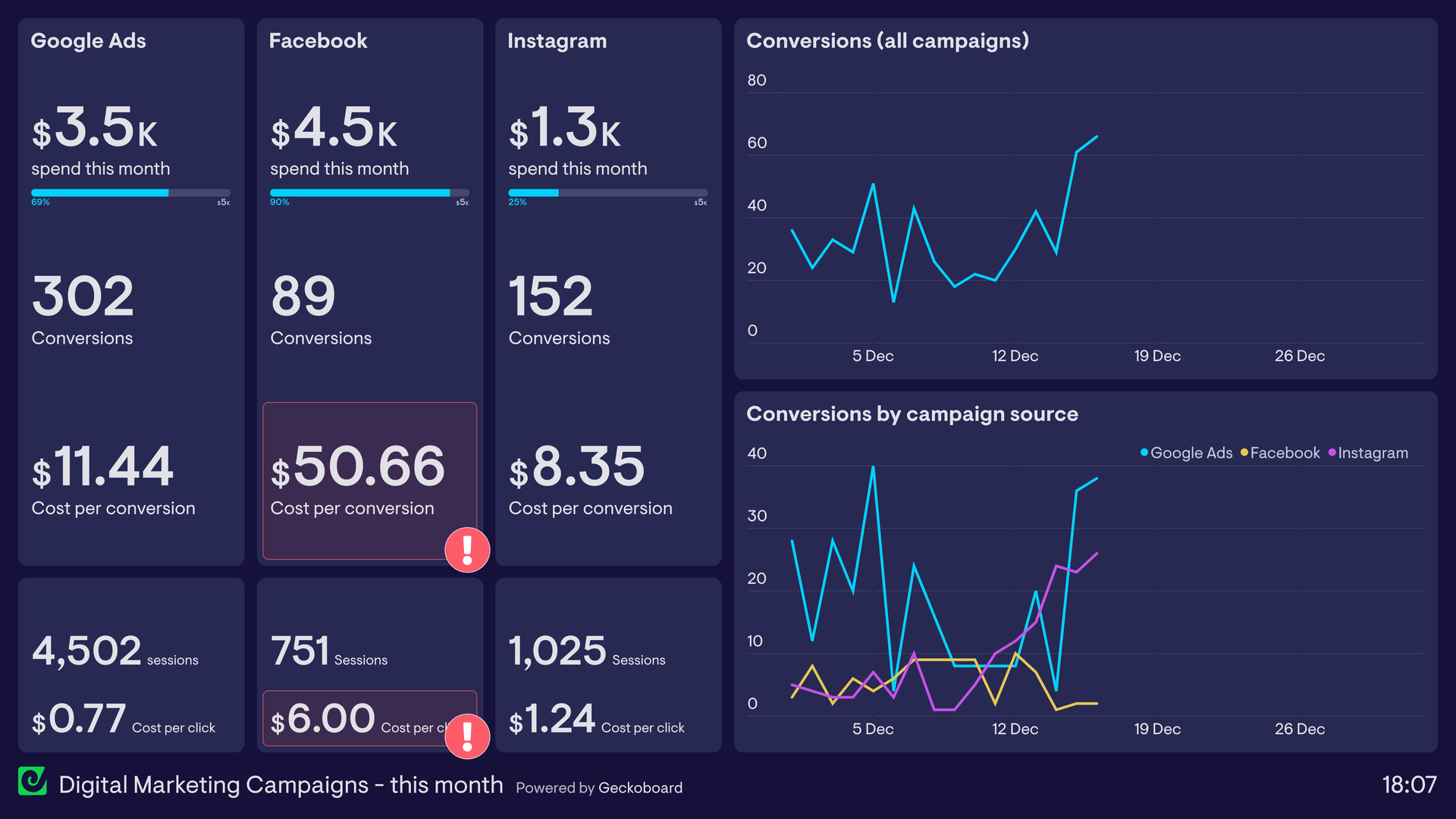
Digital marketing is one of those terms that feels obvious until someone asks you to explain it properly.  At that point, most explanations collapse into: “Running ads” “Posting on social media” “Doing SEO” Or the vague classic: “being online” None of those are wrong — but none of them are the whole picture either. Digital marketing is how businesses attract, convert, and retain customers using digital channels. Simple definition. Complicated execution.

By Anthony McGrath February 23, 2026
AI Is an Accelerator, Not a Brain AI only performs as well as the thinking behind it. Before automation ever goes live, there needs to be clarity on: The single primary business objective What success looks like beyond platform metrics Which outcomes actually drive revenue When AI is pointed at a clear destination, it performs exceptionally. When it isn’t, it optimises noise. Strategy → Inputs → Automation → Outcomes
By Anthony McGrath February 19, 2026
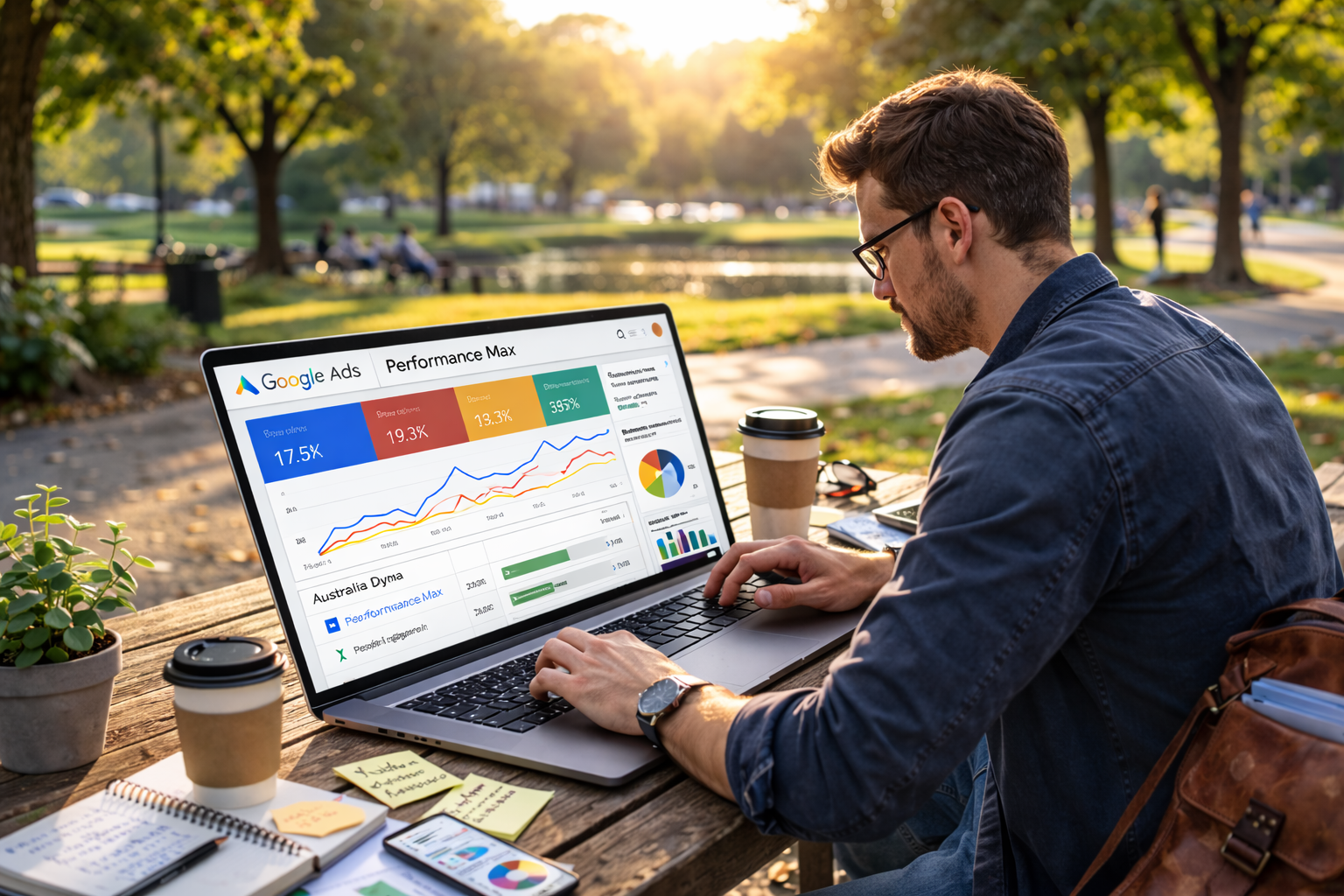
By 2026, Performance Max mistakes are rarely technical. They’re strategic. The platform does exactly what it’s told — sometimes a little too well. Here are the most common Performance Max optimisation mistakes we still see, with examples that explain why results go sideways.